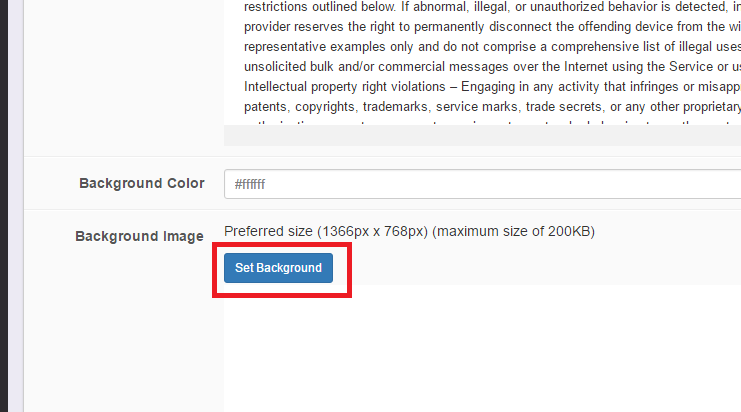
The background image should be 1366px by 768px to display properly on any type of device and be no larger than 200KB in size.
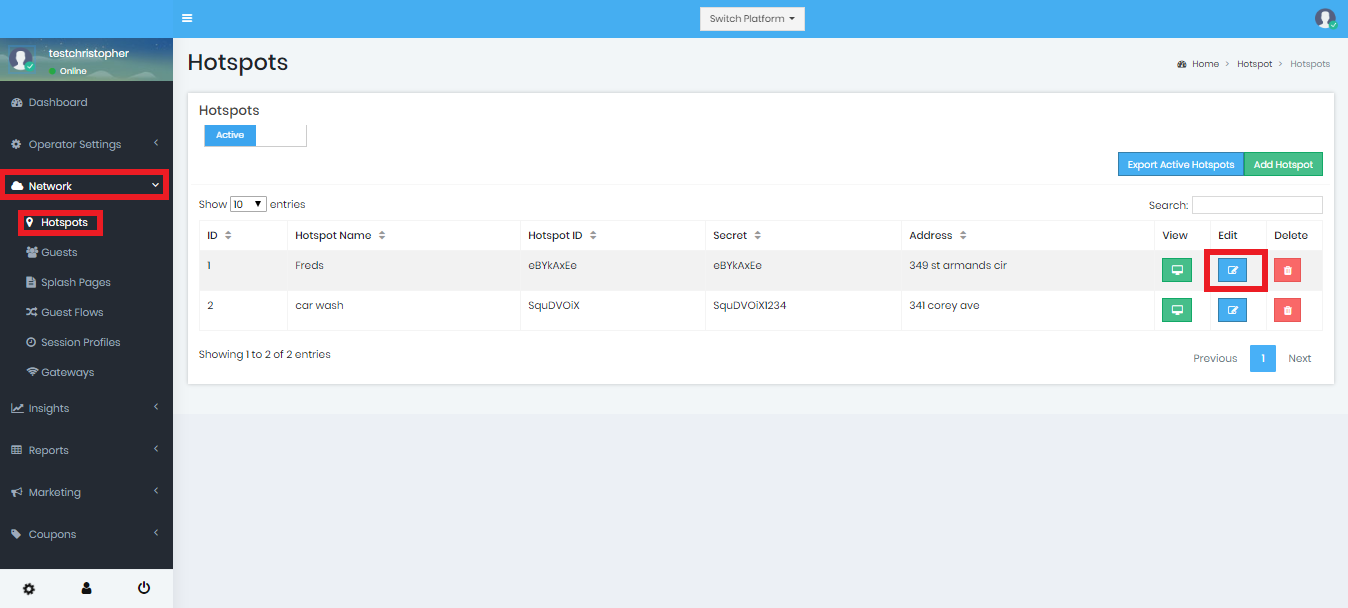
Login to the Dashboard and go to Network ➡️ Hotspot.
Find the splash page that you want to add a background to and click the Edit icon.
Then, click scroll to the 'Set Background' button and click it.
NOTE: If you've made custom splash page changes using the Advanced Editor then do not use this feature, instead use the Advanced editor to add your background.
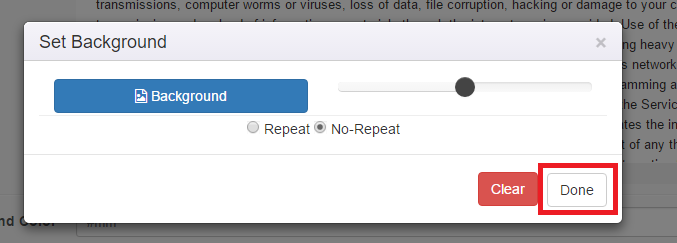
Now click the 'Background' button and choose the background image from your computer. You can change the transparency using the slider and you can allow it to repeat on a larger screen or if no repeat is selected then the image will adjust according to screen size (responsive).
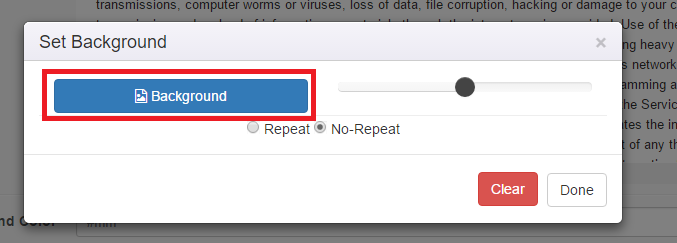
When you are comfortable with the display options then just click "Done". If you had an old image and you want no background, just click "Clear".
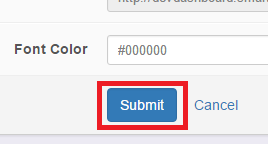
Next, to Save the changes, click 'Submit'.
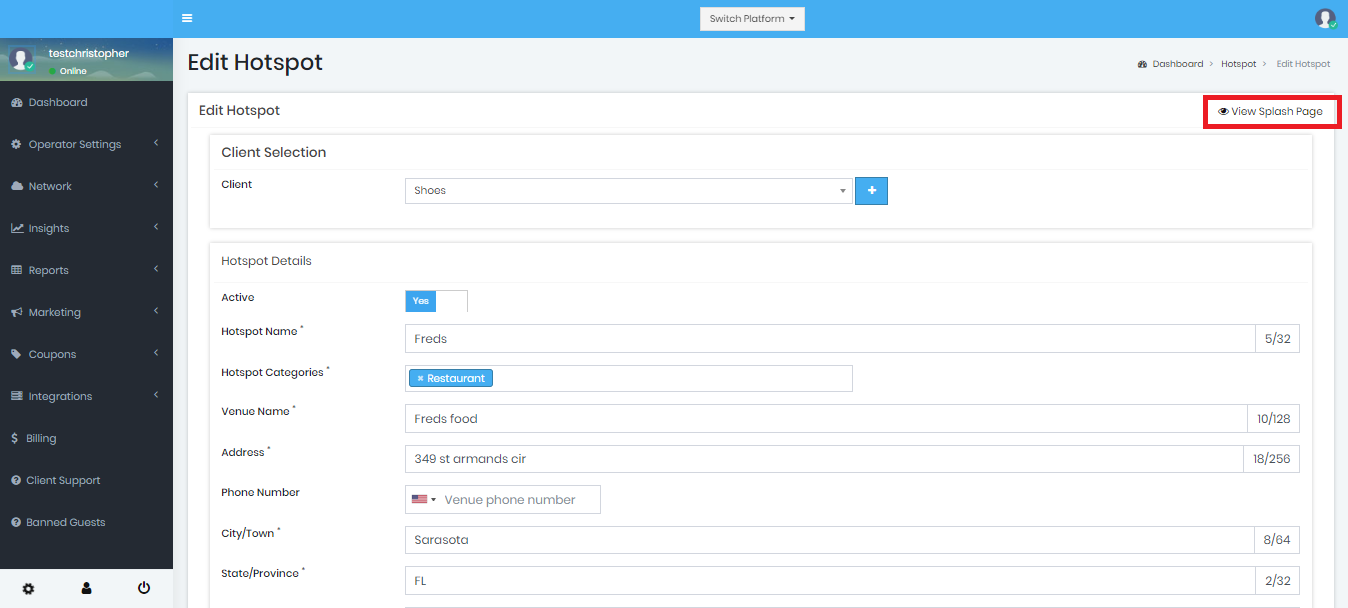
To preview the splash page, go to Hotspot menu, select the Hotspot and the click the "View" icon: