Convert or update your splash page into a Touchless Menu, here's how.
Use a Gust Flow (optional), only applicable if you have guest data capture capabilities: If you would like to use the Guest Flow feature to present your menu first, then your splash page separately, checkout this article. After your edits have been made and your ready to go live, use the Edit Hotspot page to make it go live.
TIP if you're using Social WiFi and Touchless Menu - Enable the Consent Box on your hotspot and enter an advisory text about checking the menu before connecting to WiFi.
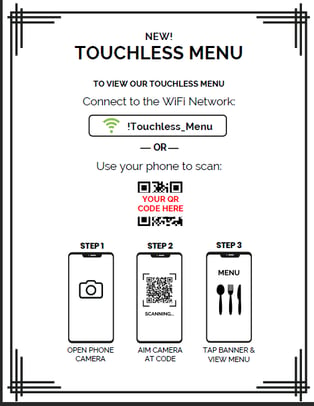
Download your QR Code, here's how. Guest 'how-to' signage can be printed and posted on signs, table tents, coasters, place mats or other areas throughout your venue. Download your QR Code from the dashboard and place it into the document.
Change the "SSID" if needed. Touchless-Menu Flyer - PDF Touchless-Menu Flyer - DOCX Example: