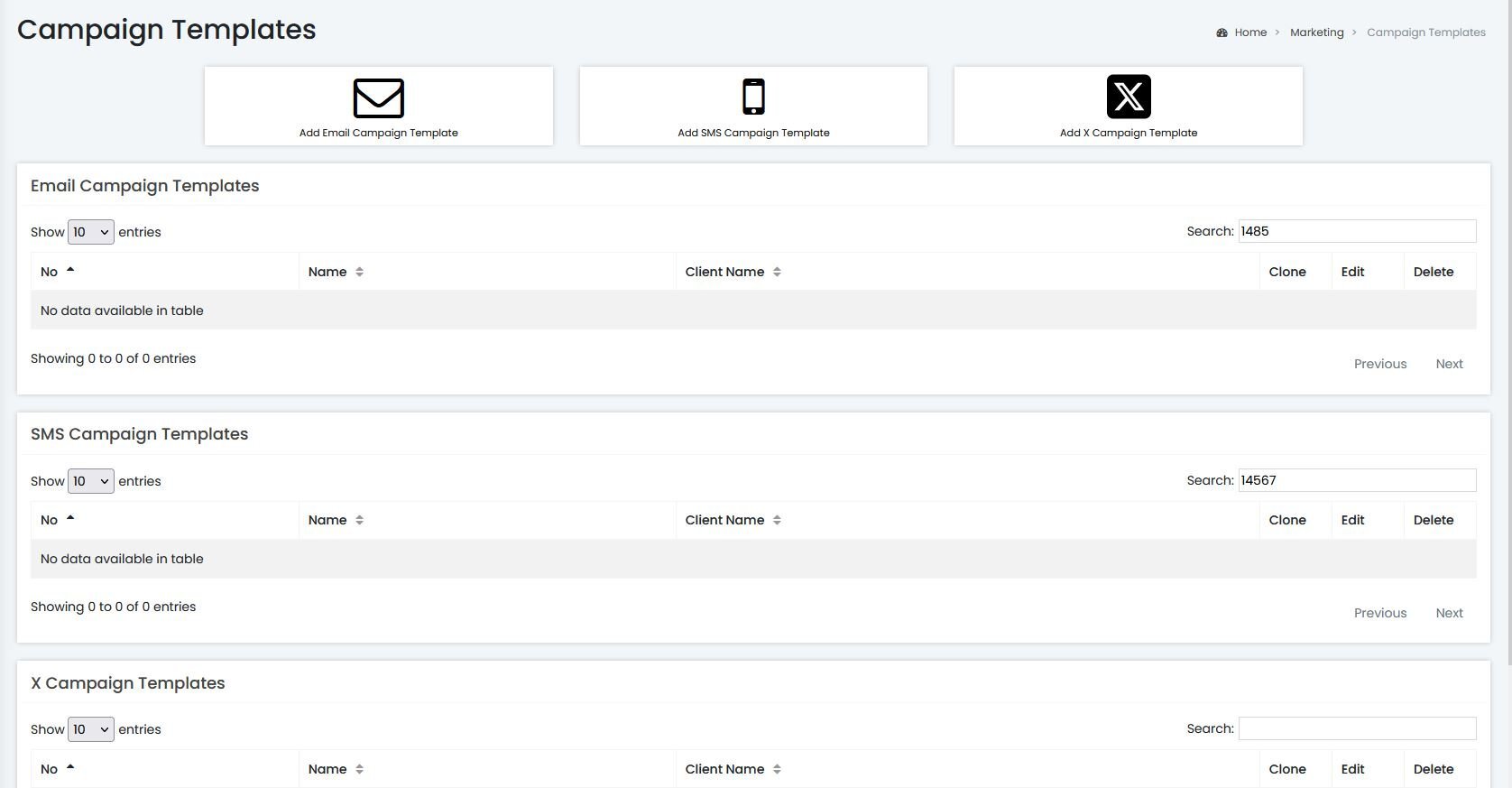
Logged into the dashboard. Using the navigation tab to the left select Marketing ➡️ Campaign Templates then click the “Add X Campaign Template”
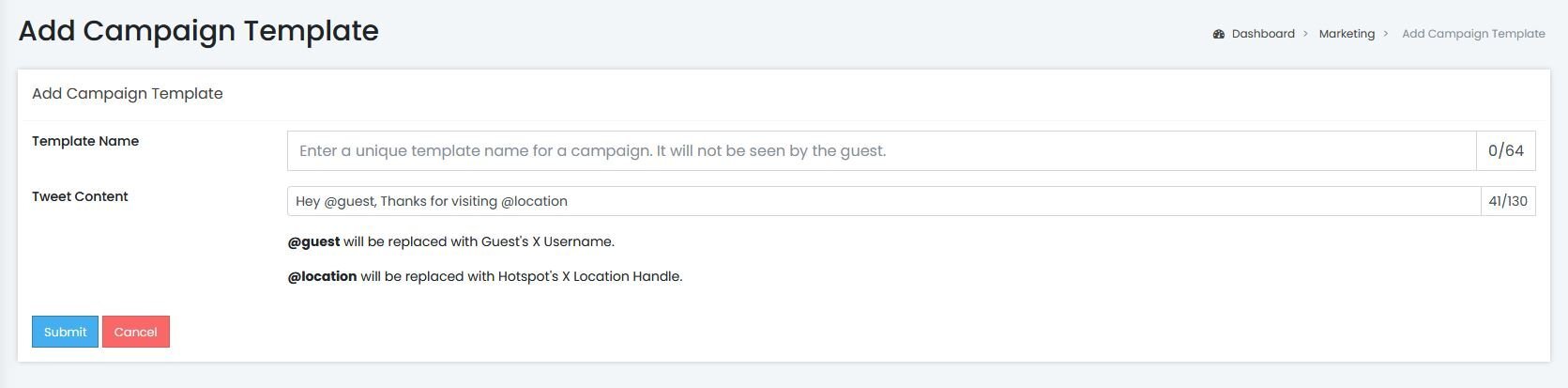
Assign a name and enter your desired Tweet. To use @location make sure you have assigned updated your Hotspot's X login settings.