
To accomplish this you need to add your account information from your E-mail provider into the dashboard SMTP Server page. The settings entered will change depending on your SMTP provider. Follow the steps below to access the SMTP Server page, enter in your own information and then test the configuration to ensure the setup was successful.
- Login to your dashboard
- Using the navigation panel to the left, select Client Settings > SMTP Server
- Fill in the SMTP fields from your E-mail provider then click 'Submit'
- After submitting your details use the Test SMTP Server Details section to enter your own E-mail and press Test to ensure the configuration was successful. If everything works as expected the platform will display the text 'Message has been sent'.
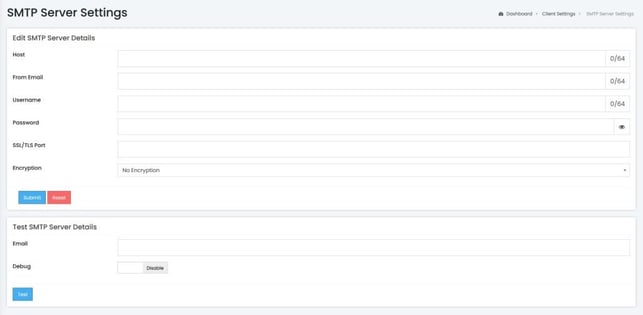
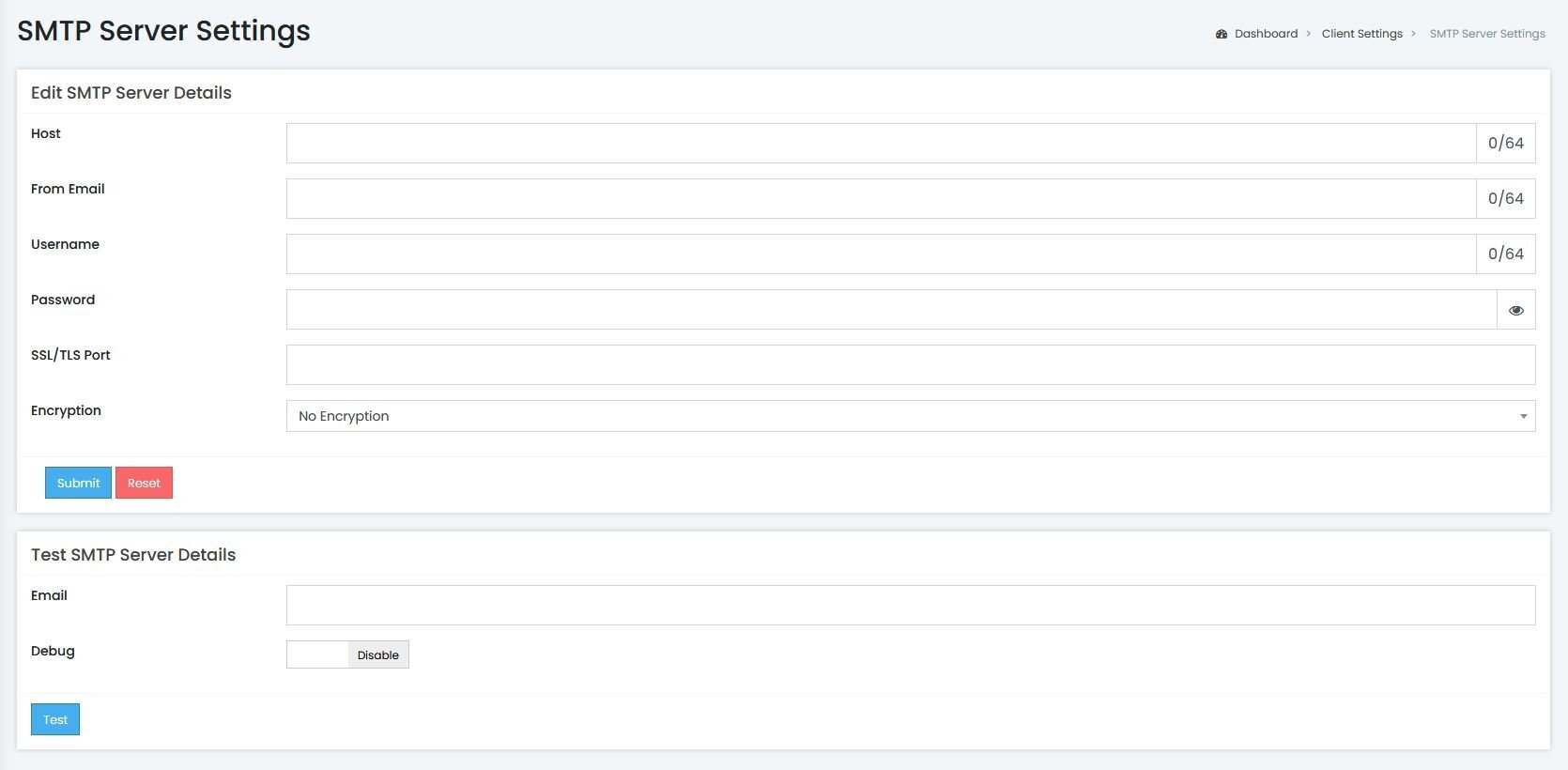
Test SMTP Server Debug
If the test fails you can enable the debug toggle and test again, then the platform will display the interaction between the SMTP Server and itself for your test that Smart e-mails will be delivered from your SMTP account by using the test feature below. After you've submitted the SMTP account information, simply type in an e-mail address to send a test e-mail.