
Issue: If the browser add-on Grammarly is enabled it will inject code to support itself into the content blocks of the splash page. Testing has shown that this code has a negative impact on the performance of splash pages.(See example below)
Resolution: If your splash page has already been affected by the Grammarly add-on it is suggested you disable Grammarly and recreate the splash page.
It is possible to go through the content blocks and remove the injected Grammarly code. As editing the code can cause issues it is considered best practice to recreate the splash page.
Example of a content block that has had Grammarly code injected. 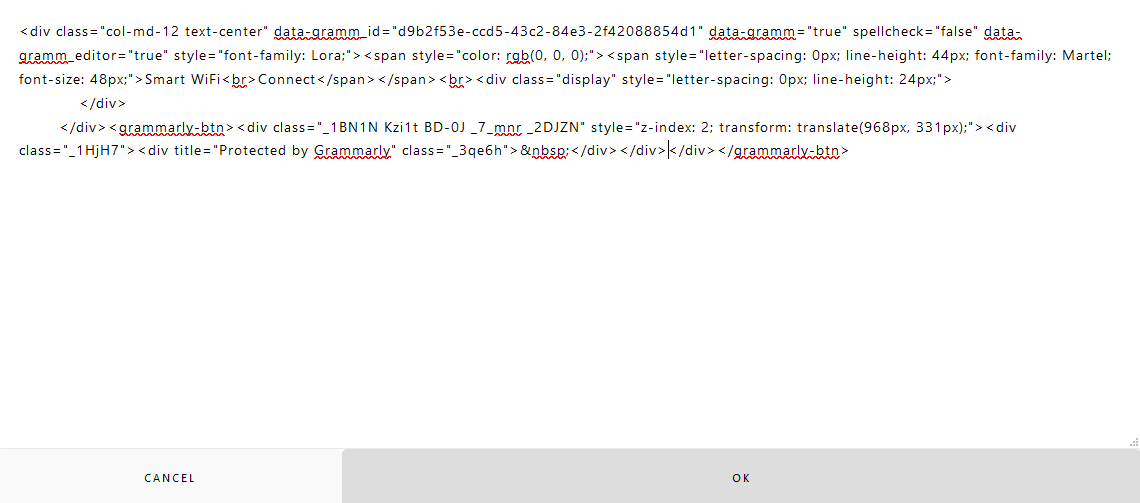
Example of a malfunctioning splash page with Grammarly code inside the splash page.
Example of the splash page properly functioning.