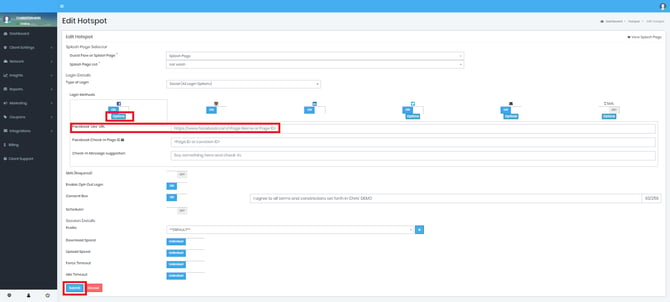
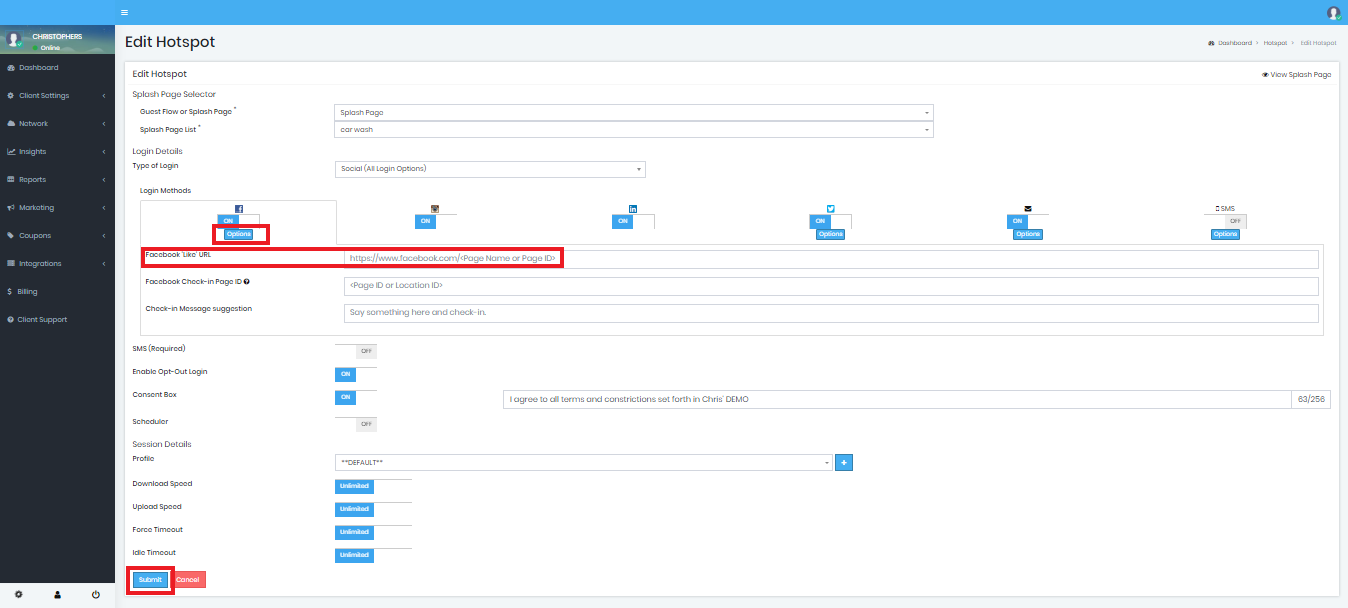
You will simply need to enter your Facebook page URL in the proper field.
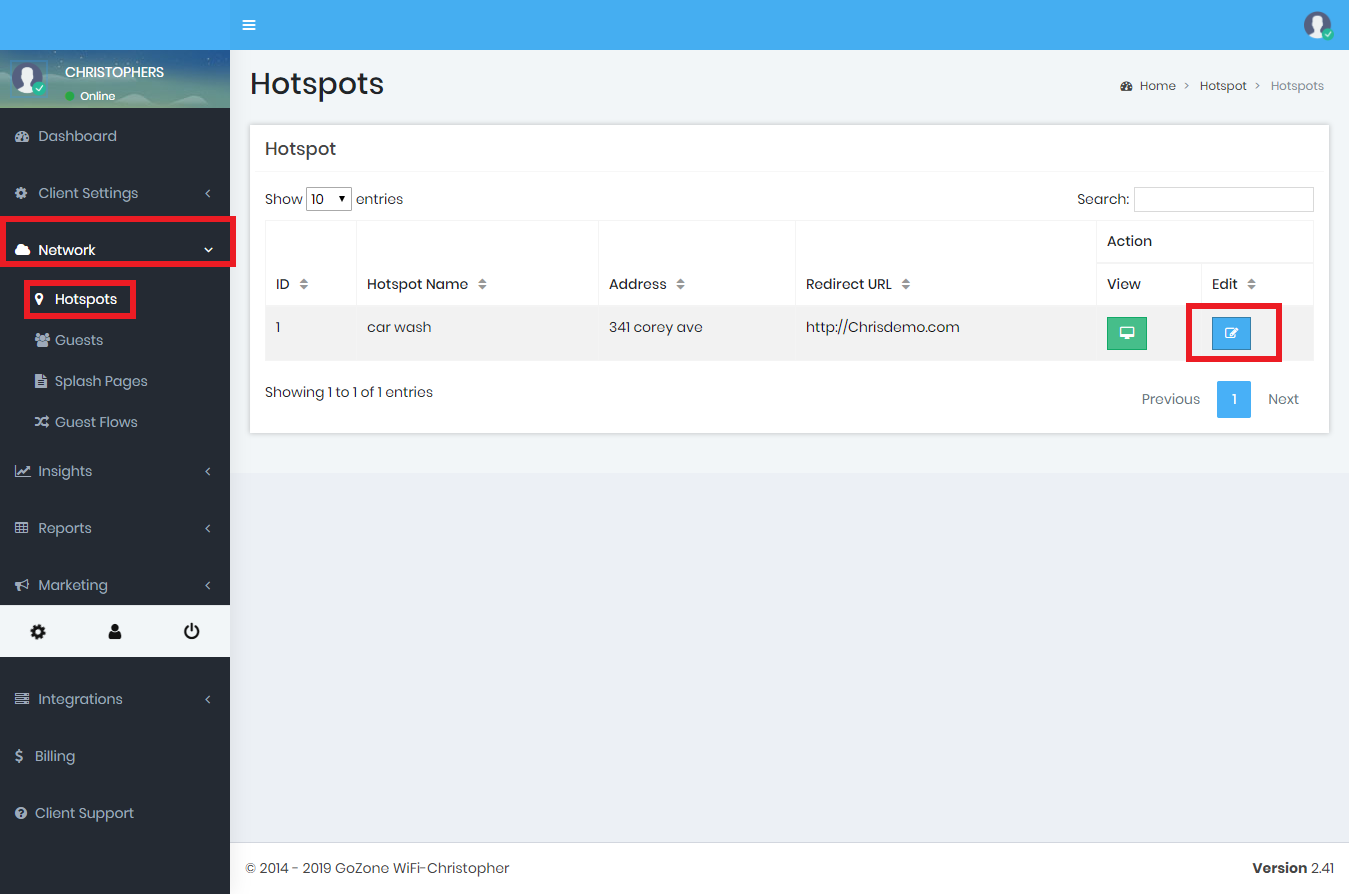
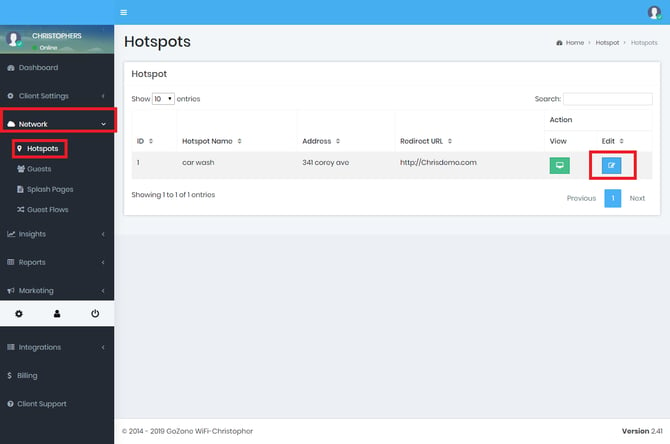
- Go to Networks ➡️ Hotpots and the click the 'Edit' button on the hotspot you'd like to enable.
- Scroll down and be sure the Facebook selector is 'On' under 'Login Types'. If it's on then you will have a 'Facebook' field where you enter your Facebook page address. When finished click 'Submit'