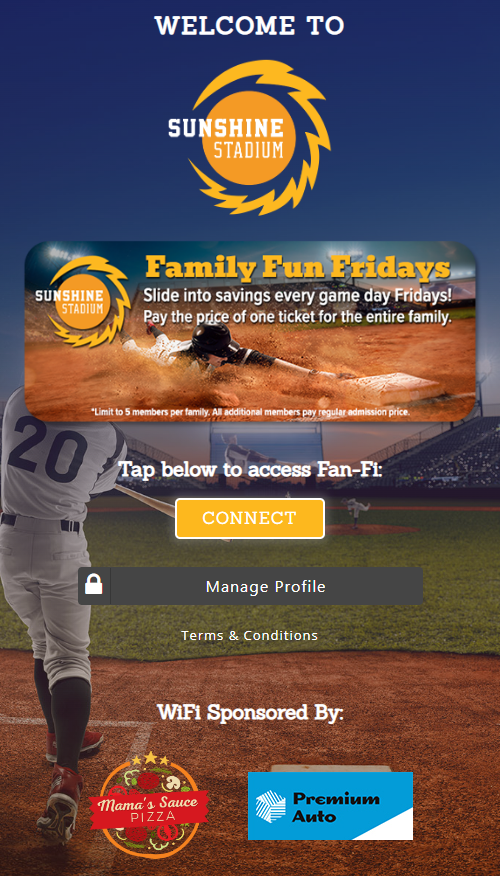
The Guest Profile Manager gives guests a way to review their information and manage available privacy options. Guests can open their Guest Profile from the Manage Profile button on the splash page, or a dashboard user can send them a Profile Management Link.
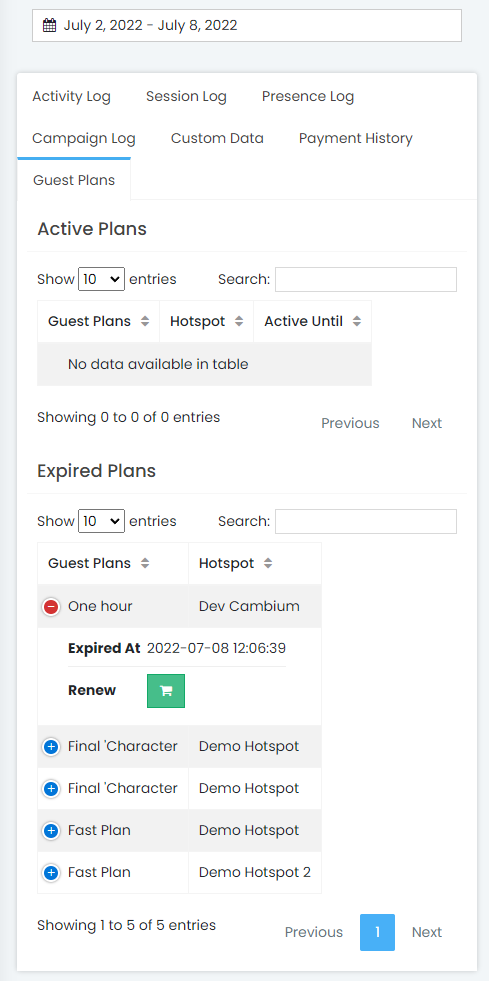
On the Guest's Profile, guests can use Clear and Export to manage their profile data. They can also review the Activity Log, Session Log, Campaign Log, Custom Data, Payment History, and Guest Plans tabs.
From Guest Plans guests can extend an active plan or renew a recently expired one. Available payment options appear during the normal splash page purchase flow.