
Complete the following steps to setup an integration between your hotspots and a Paytronix Loyalty Database.
Paytronix Required Attributes
To complete the Paytronix integration you will need to collect your Paytronix Domain, merchant ID, card template code, and the card template's corresponding field mapping attributes.
- Login to the Smart WiFi platform dashboard
- Using the menu to the left select Client Settings ➡️ Client Customizations
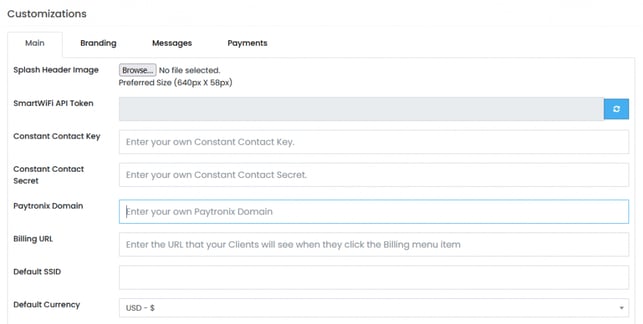
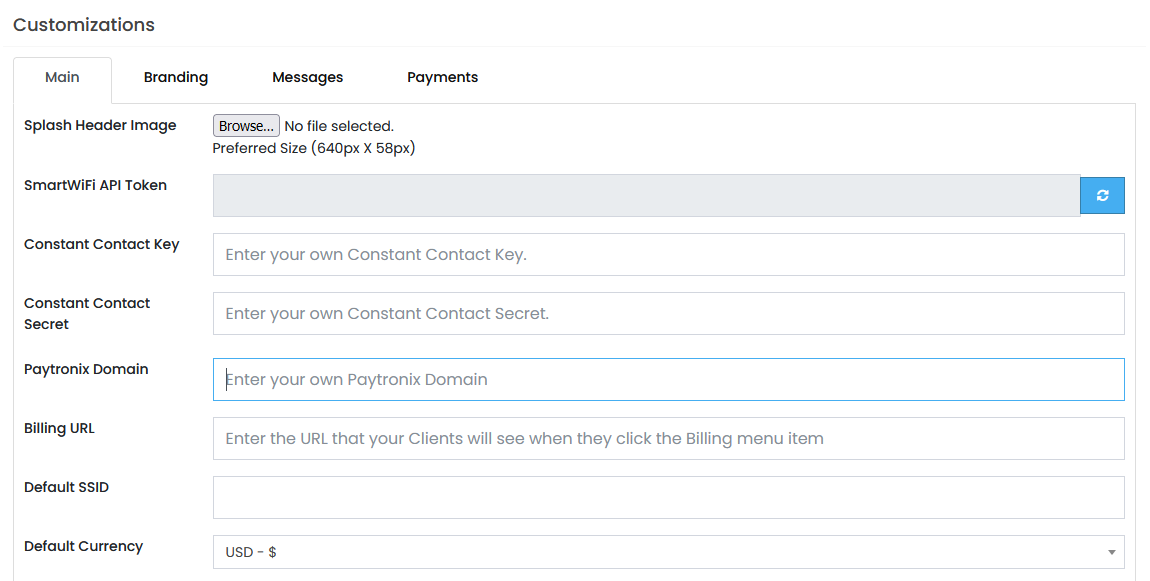
- Paytronix Domain: Enter the domain for your Paytronix account.
- Using the menu to the left select Network ➡️ Hotspot
- Press the blue edit icon next to the hotspot that you will be setting up the Paytronix rule for
- Scroll down to the Paytronix toggle and turn it ON. Enter your Paytronix Store Code for this location and press submit to save your changes.

- Using the menu to the left select Integrations ➡️ Mailer Apps
- Click on the Paytronix tile to add a new rule
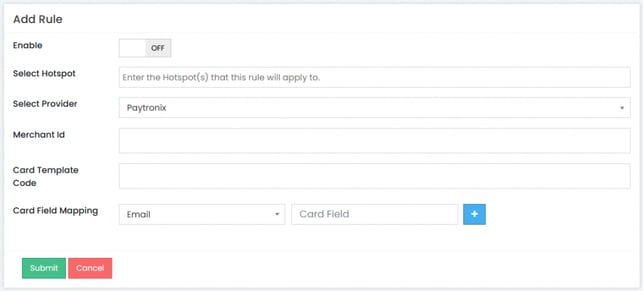
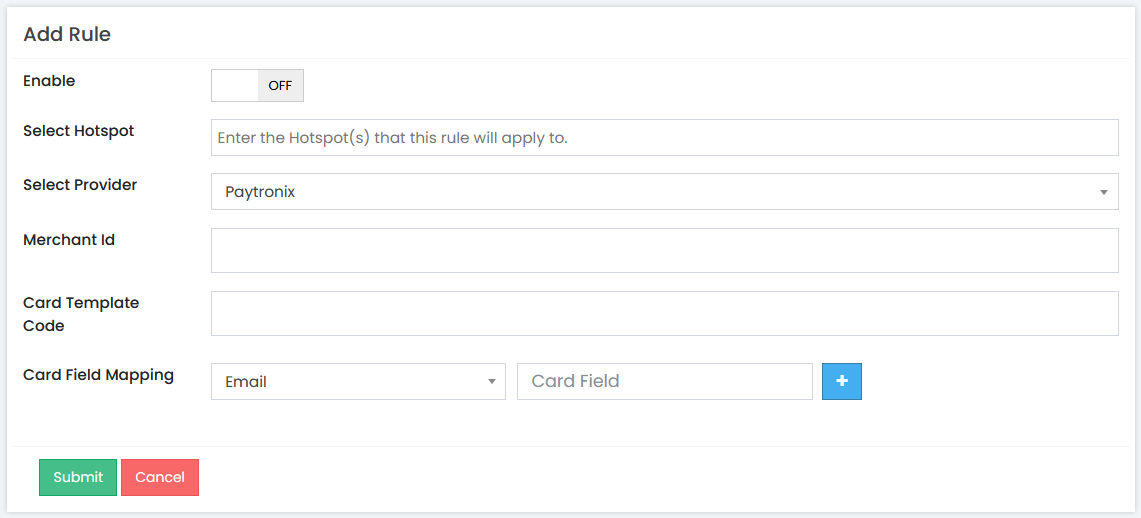
- Enable: Toggle to turn this integration rule ON or OFF.
- Hotspot: Select which hotspots in your account you would like this sync rule to apply to.
- Provider: Paytronix
- Merchant ID: Enter your Paytronix Merchant ID.
- Card Template Code: Enter your desired Paytronix Card Template Code.
- Card Field Mapping: Add the Card Field for Email to the first field. You can add additional fields for other Guest Profile attributes and map them to your corresponding Paytronix Card Fields.
- Press Submit

Paytronix Sync Run Time
Unlike the other Mailer App integrations, the Paytronix integration will sync in near real time as guests connect to your hotspots.