
Synchronization behavior
The Mailer integration will send the Email, First Name, and Last Name of all existing subscribed Guest Profiles for the selected hotspots during the first synchronization run.
Subsequent syncs will send subscribed Guest data collected since the last time the rule was run.
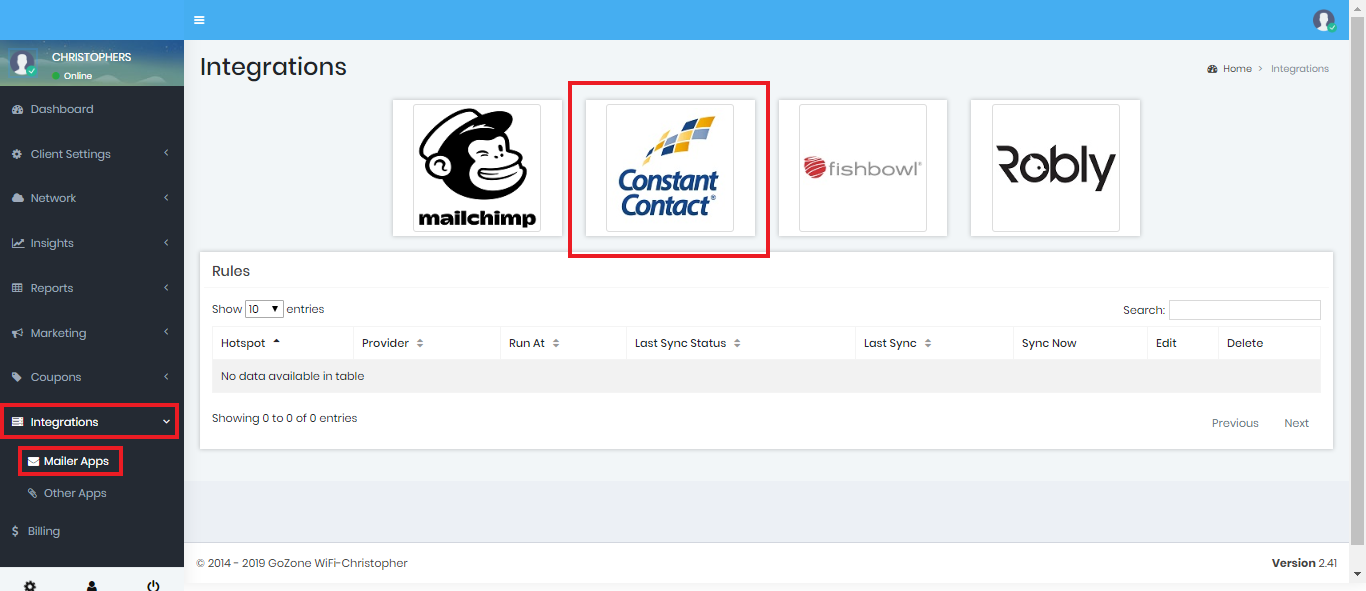
First, go to the Integrations ➡️ Mailer Apps ➡️ Constant Contact button to Add a Rule:
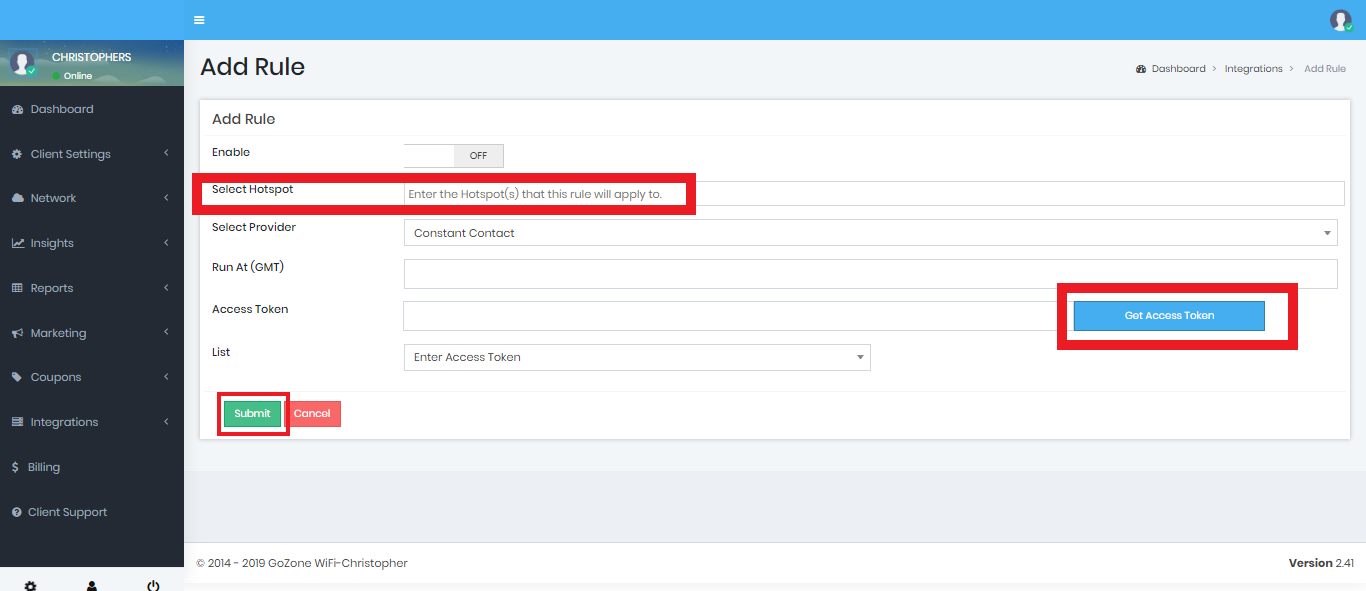
Select Hotspot click "Get Access Token" Button click "Submit" when finished.
A window will appear where you will enter your Constant Contact credentials.
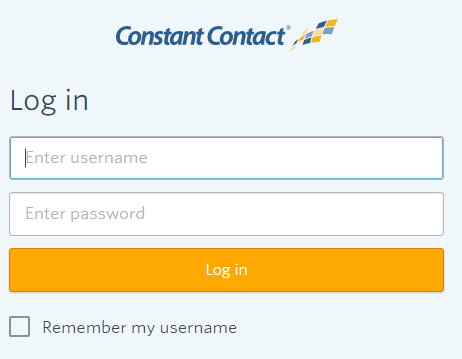
Login and the Smart WiFi Dashboard fields will be populated automatically.
Note: You can create more than 1 rule if you like to sync to multiple constant contact accounts or lists.