Synchronization behavior
The Mailer integration will send the Email, First Name, and Last Name of all existing subscribed Guest Profiles for the selected hotspots during the first synchronization run.
Subsequent syncs will send subscribed Guest data collected since the last time the rule was run.
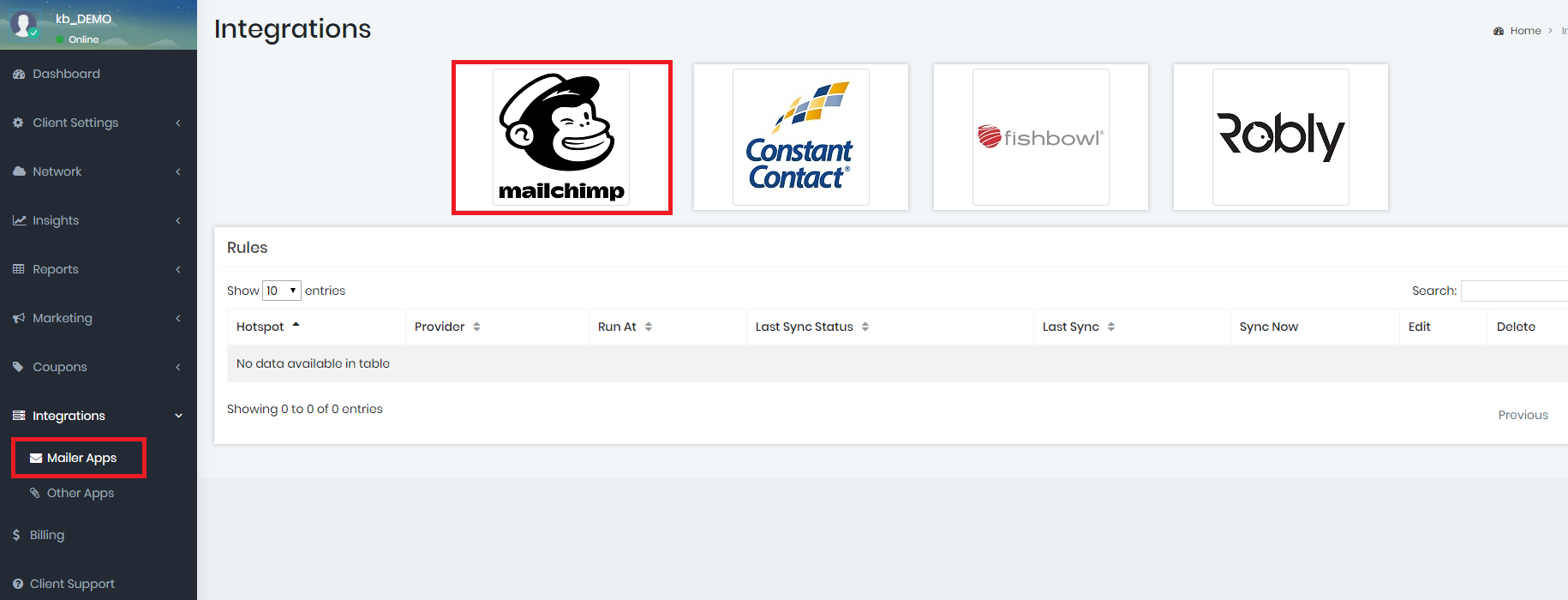
First, go to the Integrations ➡️ Mailer Apps ➡️ MailChimp button to Add a Rule:
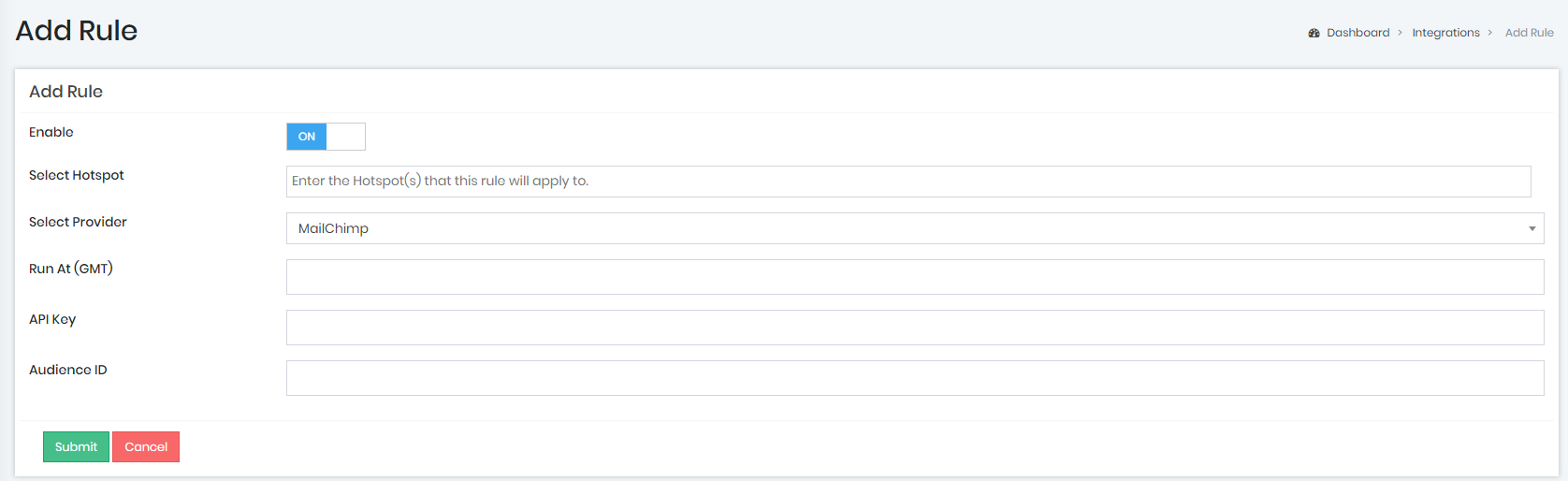
On the next page you'll be able to select the hotspot for this MailChimp integration, the time it runs and enter your MailChimp API Key and Audience ID.