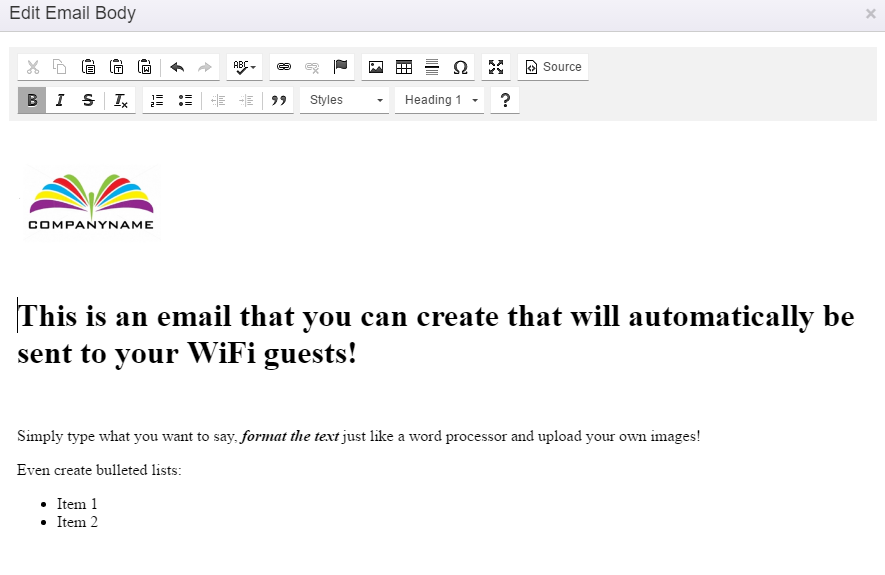
You can use the free-form creator, use and edit a pre-made template or you can paste HTML code from another source.
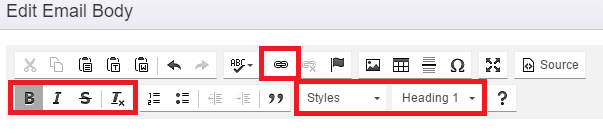
To change font styles:
Simply Highlight the text you want to change and then use the toolbar to add the styling. You can also create a link to a website using the 'chain' icon:
How to add an image:
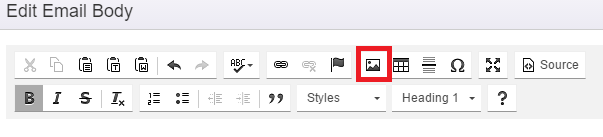
Simply click the 'photo' icon and a pop-up will appear:
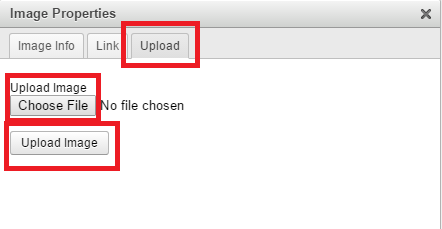
Click the 'Upload' tab, then choose the file you'd like to upload from your computer (be sure the image is fairly small in file size - less than 1MB recommended). Then click the 'Upload Image' button.
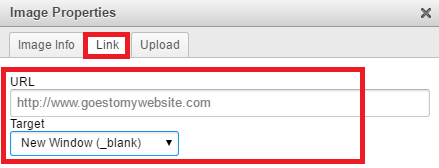
Link the image to go to a website when it's clicked by going to the 'Link' tab:
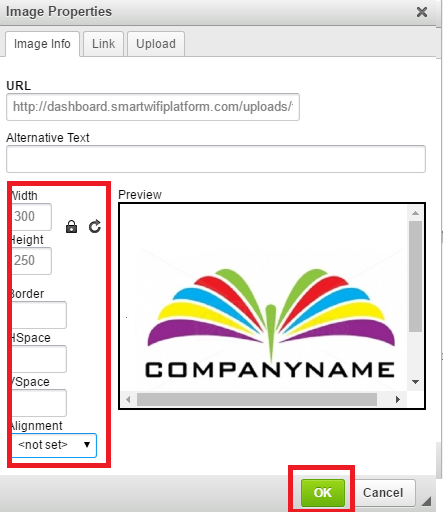
Then click back to the 'Image Info' tab to make any additional modifications to the image. When you're ready to insert the image, click 'OK':
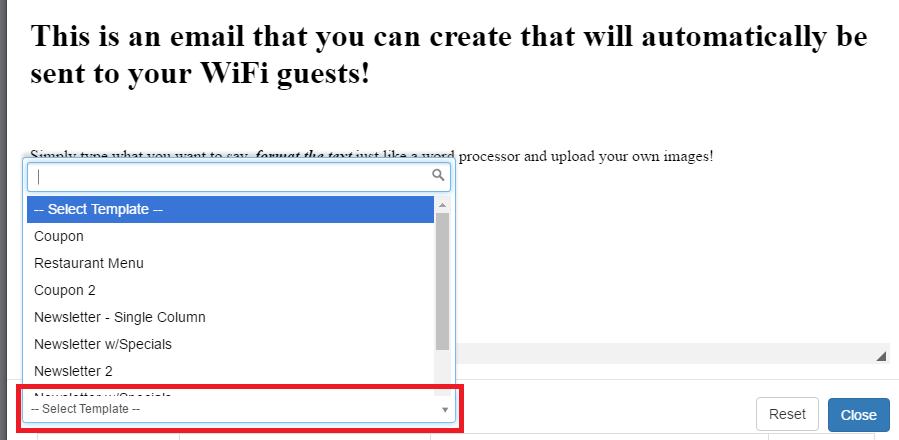
To use our pre-made templates that you can modify, click the 'Select Template' list and choose a template to use. Then simply use the free-form editor to make your changes:
Once you have the e-mail the way you want it, SAVE it. To Save, Click the 'Close' button - then Click the 'Submit' Button on the E-Mail Rule Area.