
These columns display users from other client accounts linked to your Smart WiFi platform.
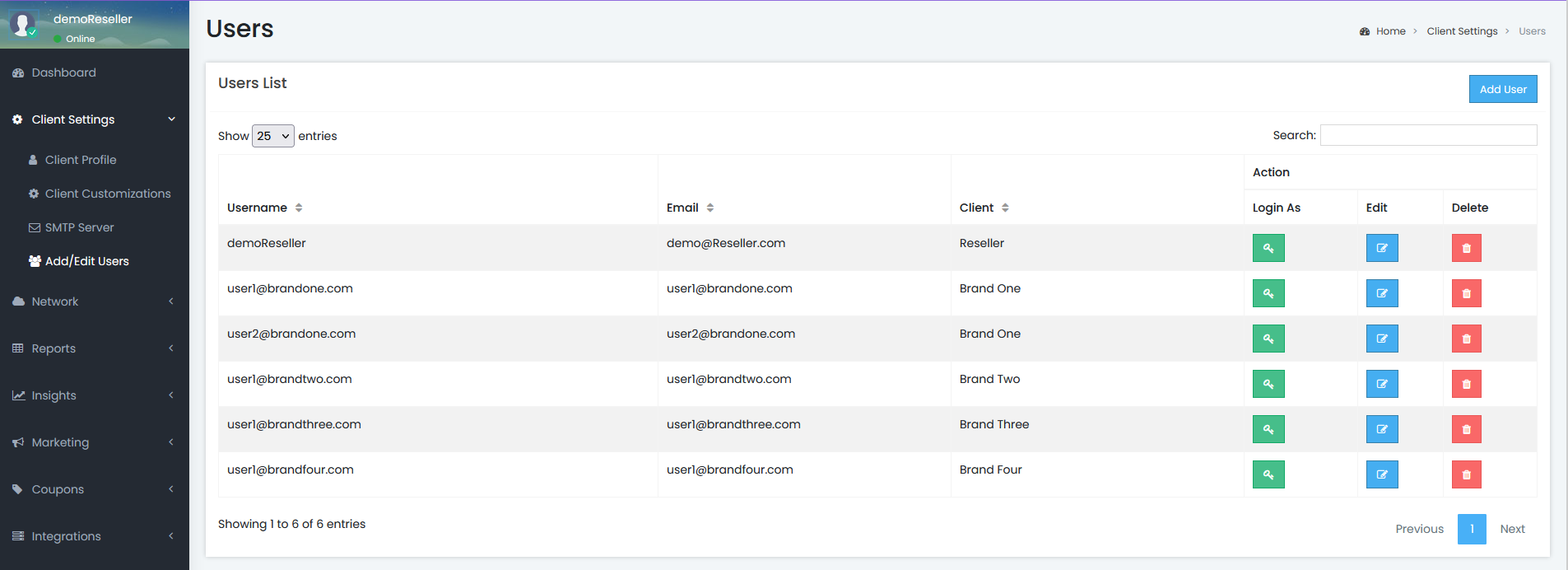
By clicking the 'Login As' button next to any user, your current dashboard session will be logged out, and you'll be logged in as the selected user.
This feature allows users with appropriate permissions to manage multiple Smart WiFi accounts using a single username and password.