
The opt-in consent button element (optional) that can be added to your Drag-and-Drop Splash page allows you to get specific opt-in consent from your guests when they use WiFi.
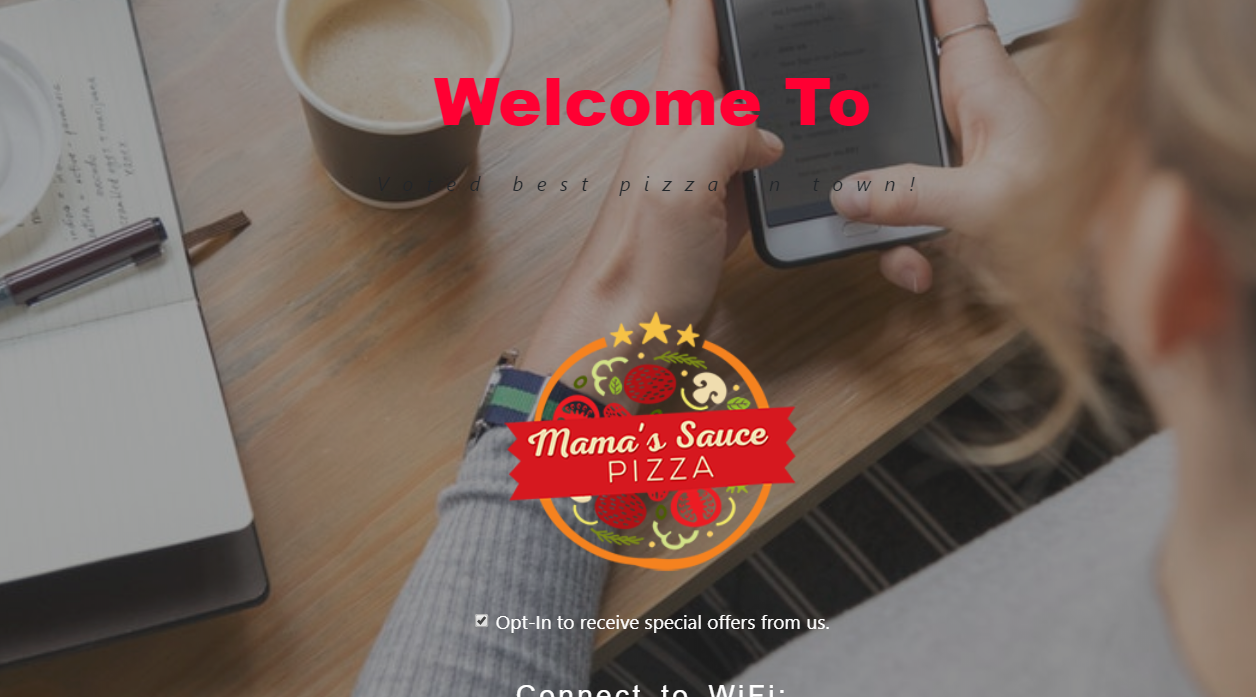
In the example image above you can see the checked "Opt-In to receive special offers from us." element displayed on a splash page for Mama's Sauce Pizza.
If checked, then guests are opting in to receive campaigns from the Smart WiFi system
If unchecked, then a few things will happen behind the scenes:
- The guest will NOT receive any system-generated e-mail, X or SMS campaigns.
- Unsubscribed guest data will not be sent to third party applications through integrations.
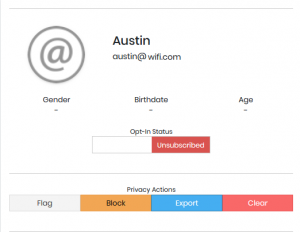
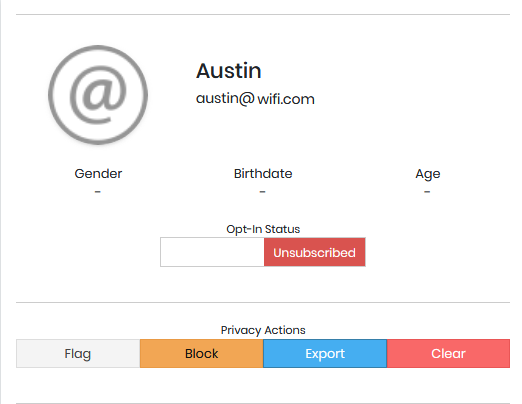
- The guest profile will display 'unsubscribed'.
- The guest connections export will contain TRUE for the guest.


- Go to Hotspot>Splash Pages.
- Find the Splash page that you'd like to add this element to and click the 'edit' icon.
- Select the 'Social Connect Button' list and and drag the 'Opt-In to receive special offers from us.' button.
- You can make changes to the text to fit your branding needs. If you want the box checked by default then save the splash page with the check in place. If you want to default it to un-checked then un-check the box and save.
Click here if you need additional design tips for the Drag-and-Drop splash page editor.
Video on this topic: [video width="1896" height="848" mp4="https://support.smartwifiplatform.com/wp-content/uploads/2018/07/Opt-in-Clients.mp4"][/video]