Here are some examples:
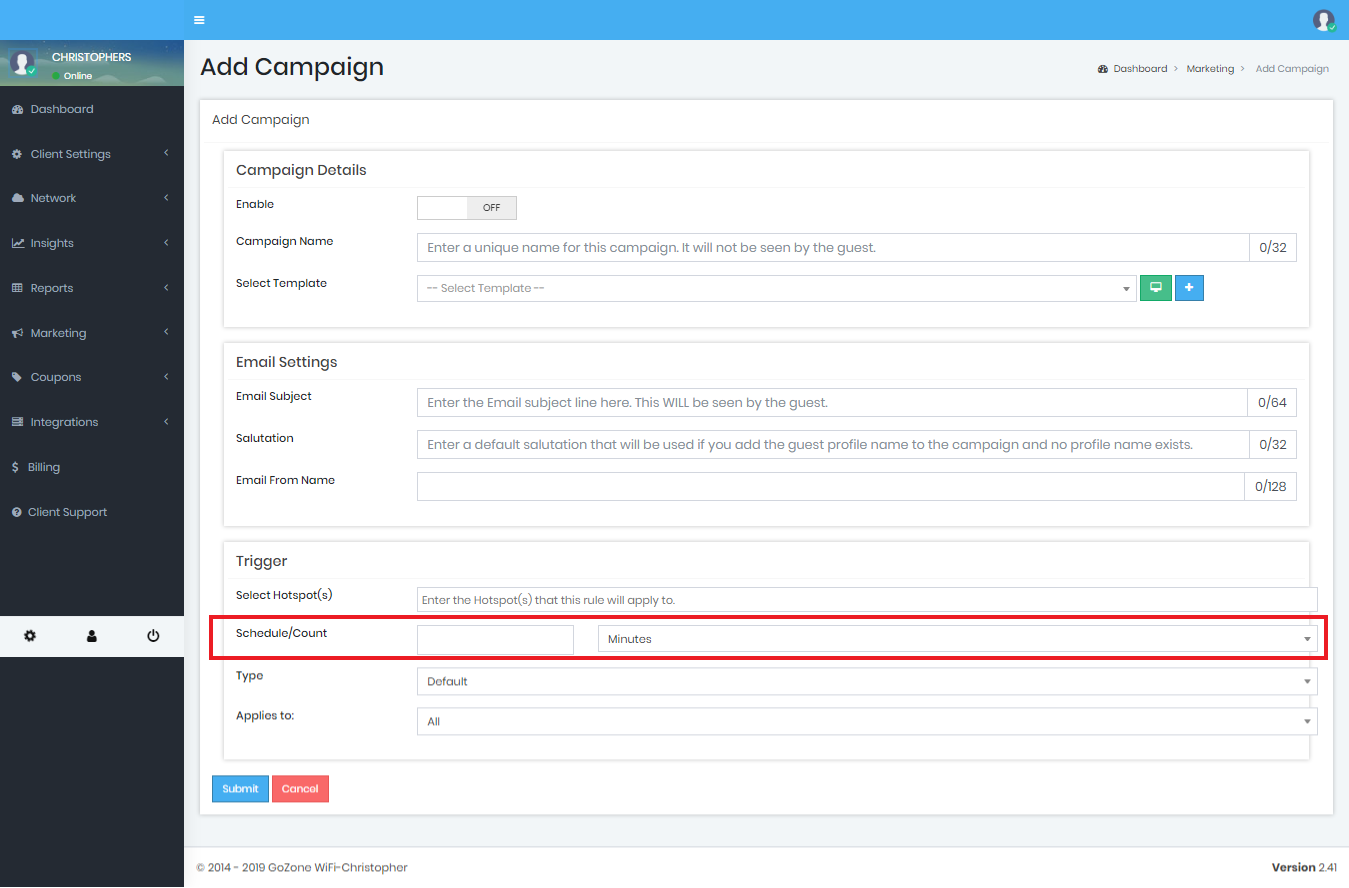
I want an email sent to a first-time guest right when they connect to my Smart WiFi system:
Schedule/Count in the drop down section select "Visits"
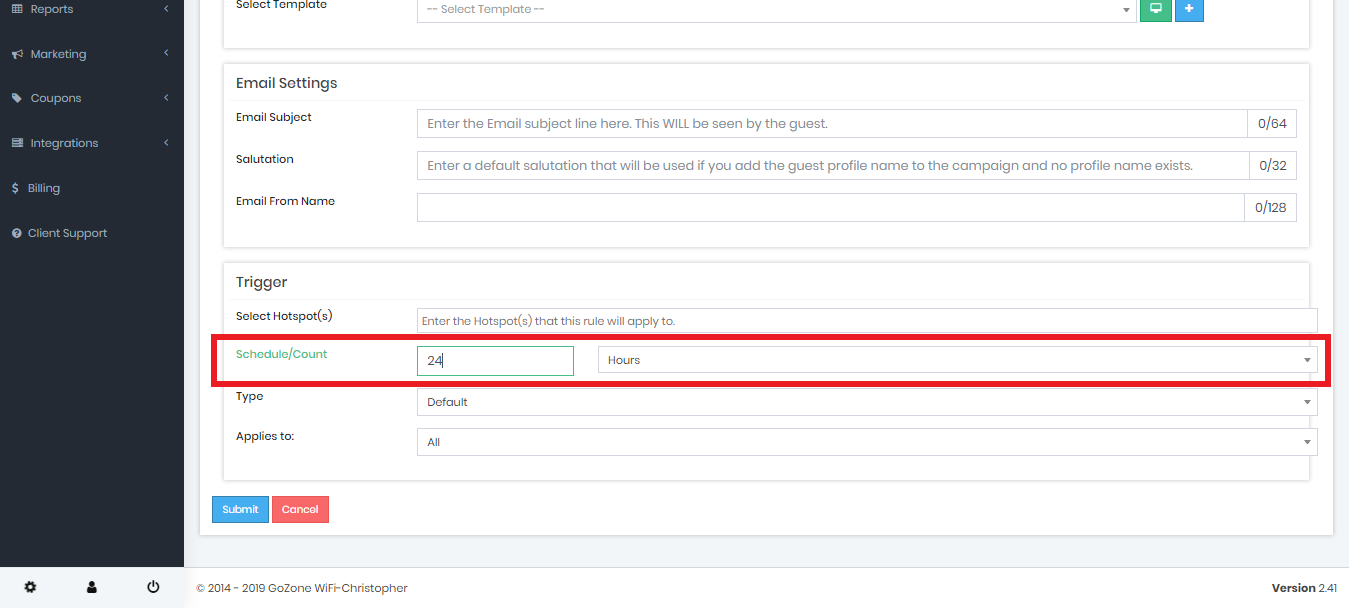
I want a Smart E-Mail to be sent 24 Hours after a guest has connected (perhaps for a survey):
Schedule/Count in the drop down section select "days"
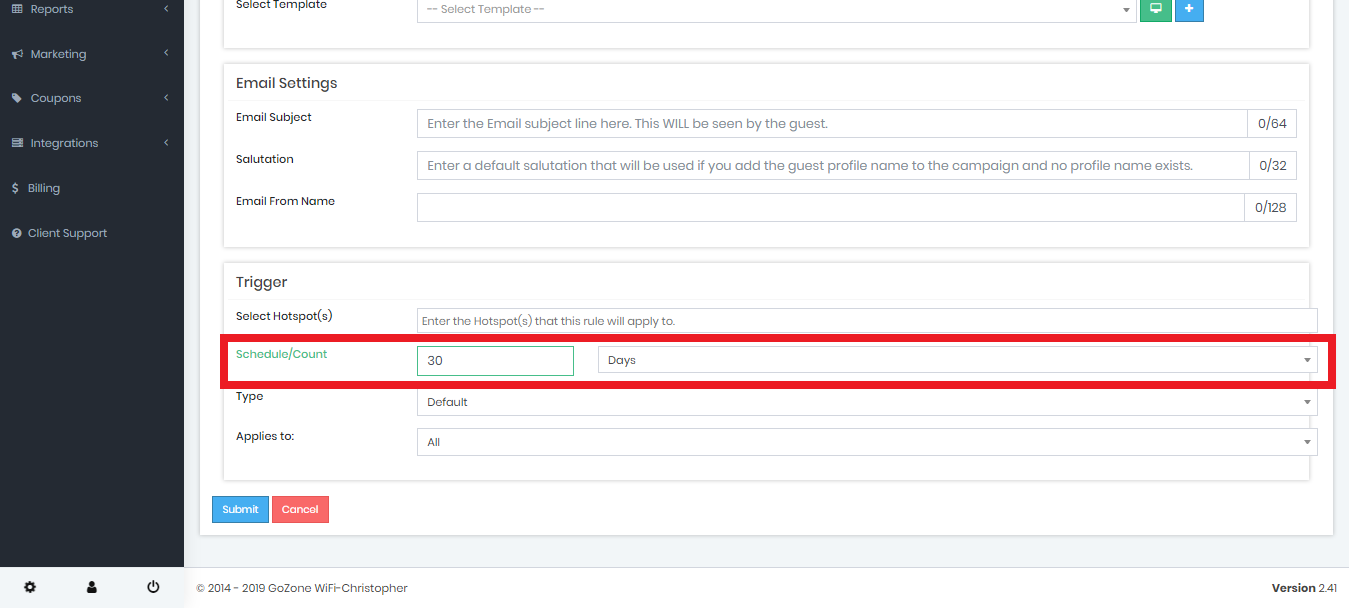
I want an email sent to a guest that logged in 30 days ago that HAS NOT connected again (to promote a return visit):
Schedule/Count in the drop down section select "Days"
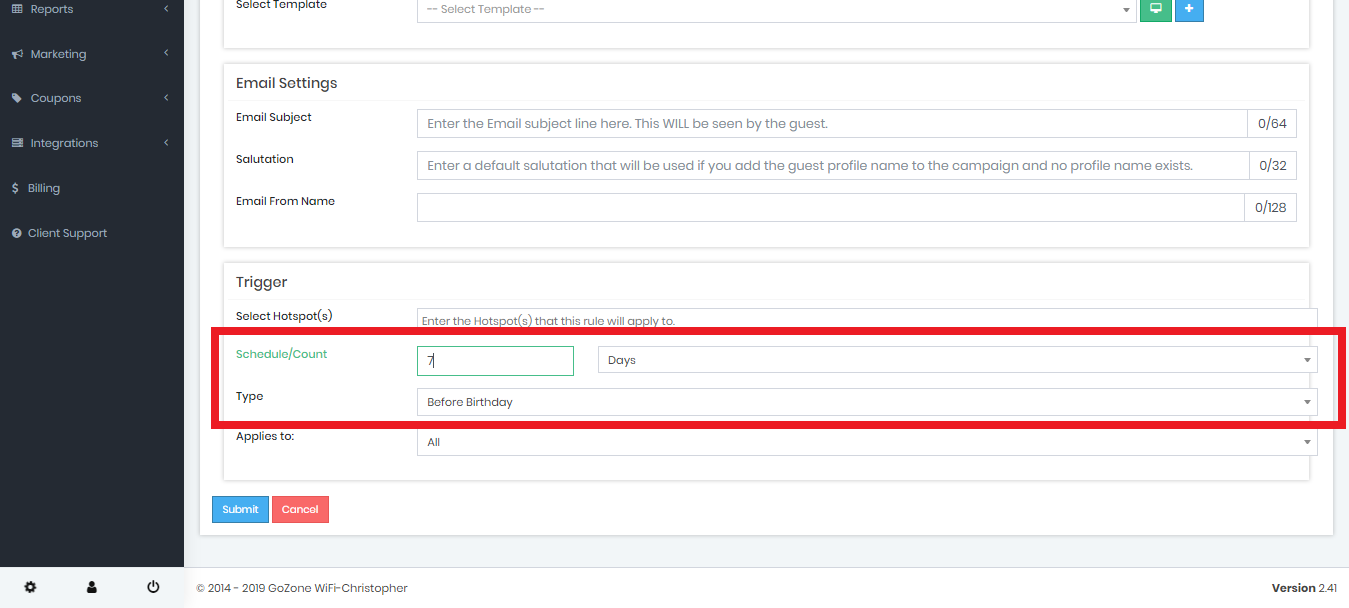
I want an email sent to a guest 7 days before their birthday:
Schedule/Count in the drop down section select "Days">Type in the drop down box select "Before Birthday"
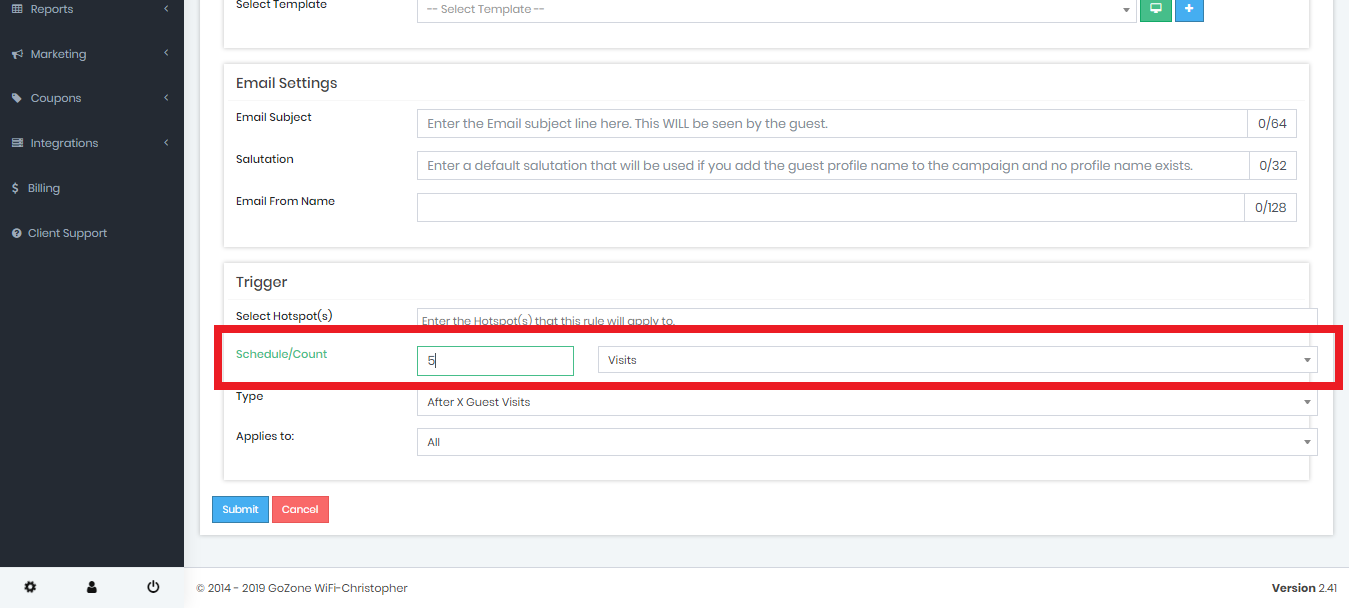
I want an email sent to a guest on their 5th visit (to promote loyalty):
Schedule/Count in the drop down section select "Visits" add the amount of days in the box on the same line.