- Login to your MailChimp account
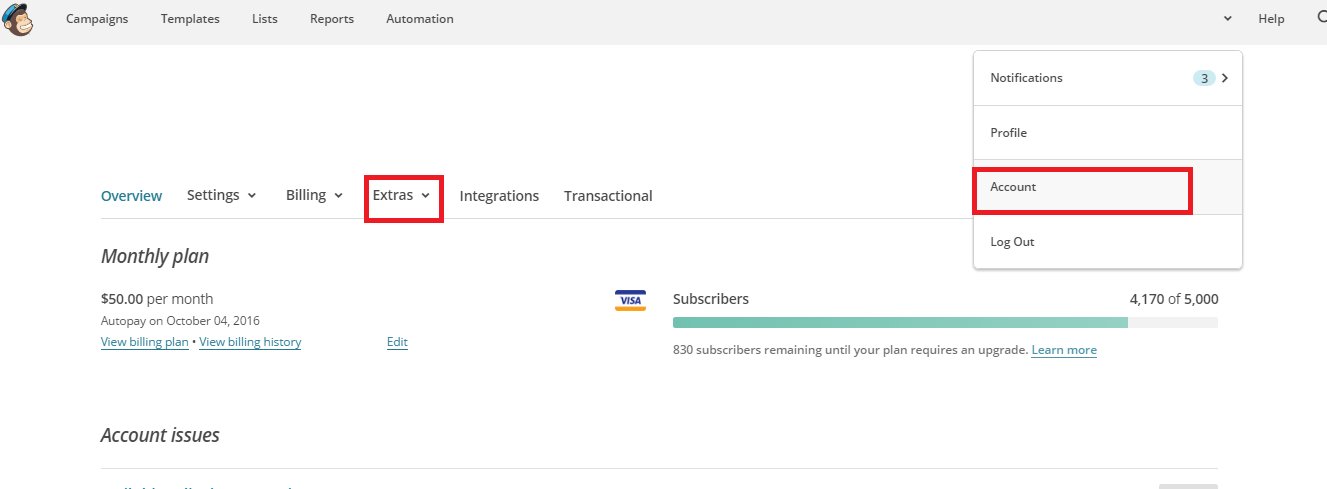
- Click on your Account Icon, then click "Account"
- Then Click "Extras"
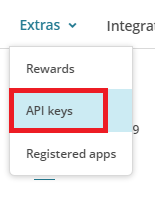
- Then click "Create a Key"
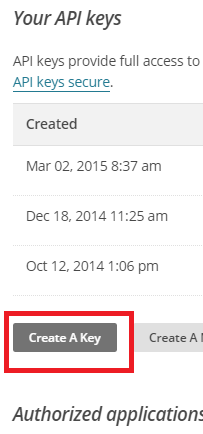
- Look in the list above for the most recent Key - select the key code that is in the box and paste into the Smart WiFi Dashboard.

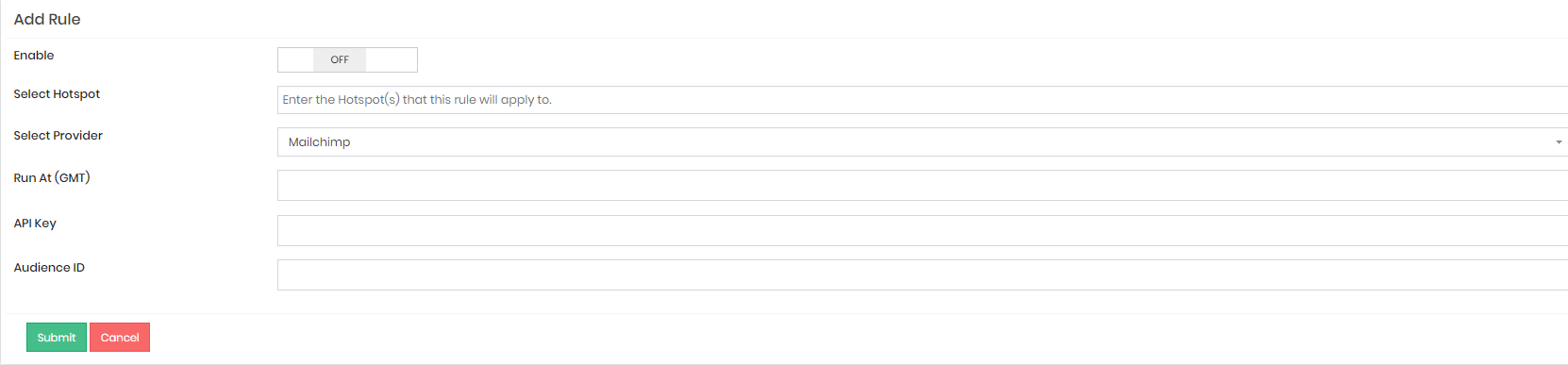
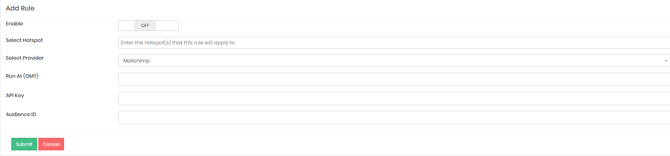
- Paste the key you copied into the Smart WiFi Platform for your Mail List Sync Rule:
- CLICK HERE TO FIND YOUR MAIL CHIMP AUDIENCE ID