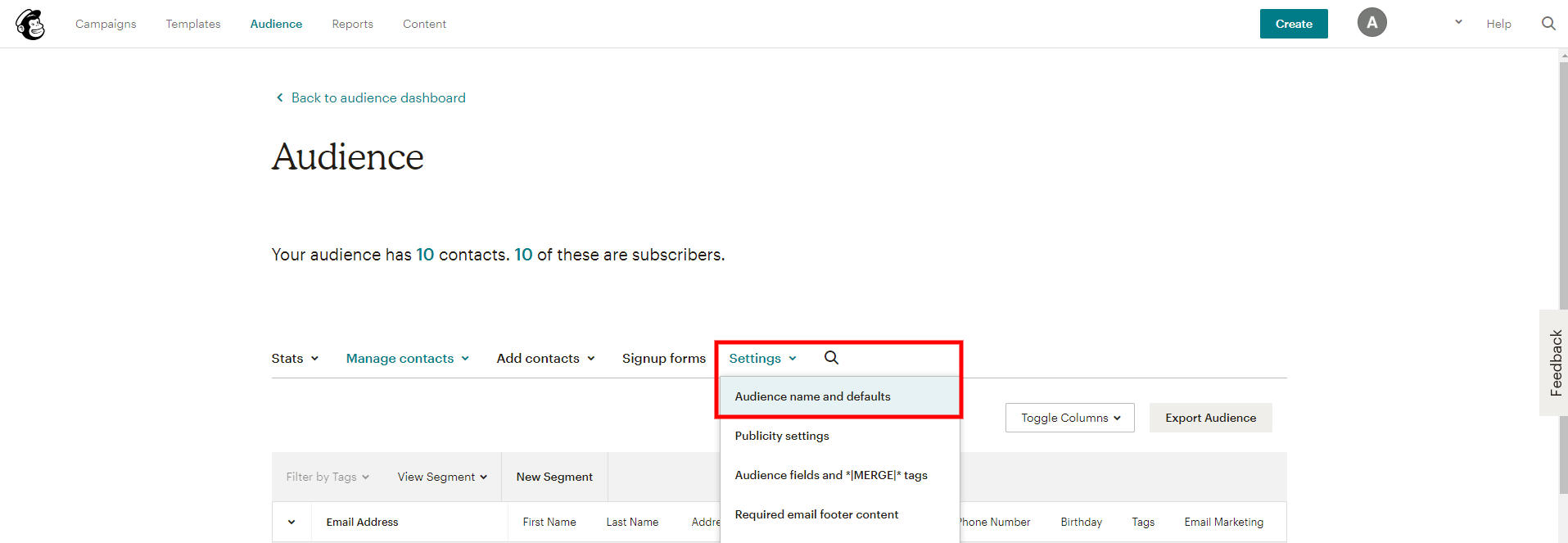
- Login to your Mail Chimp account then go to 'Audience'

- Then - Select the Audience that you would like to sync with your Smart WiFi account
- Then Select the 'Settings' Item - the Audience Names and Defaults'
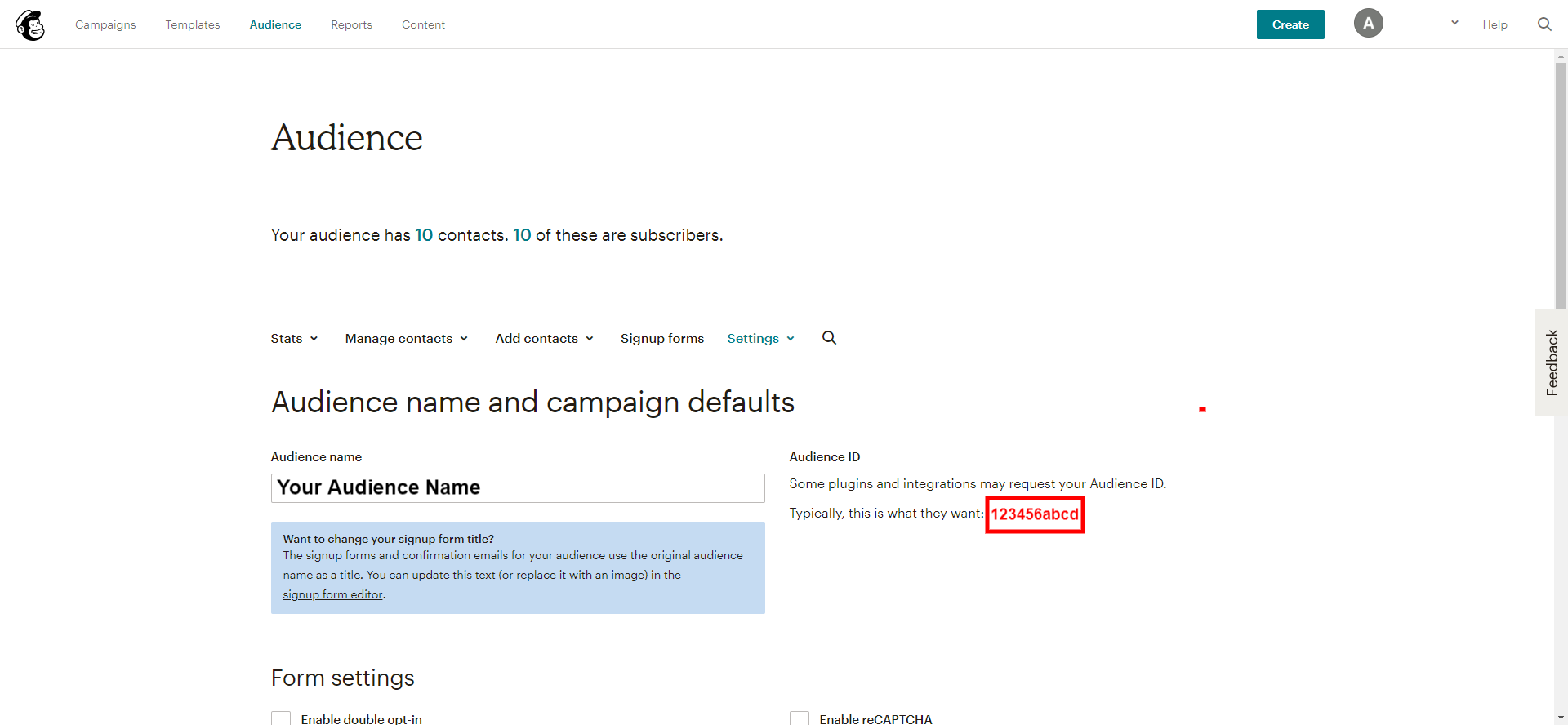
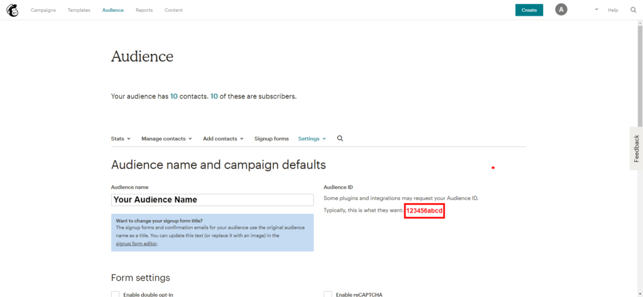
4. Copy the Audience ID that is displayed.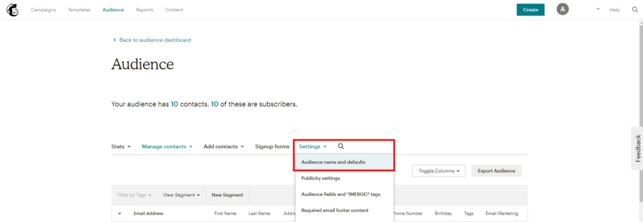
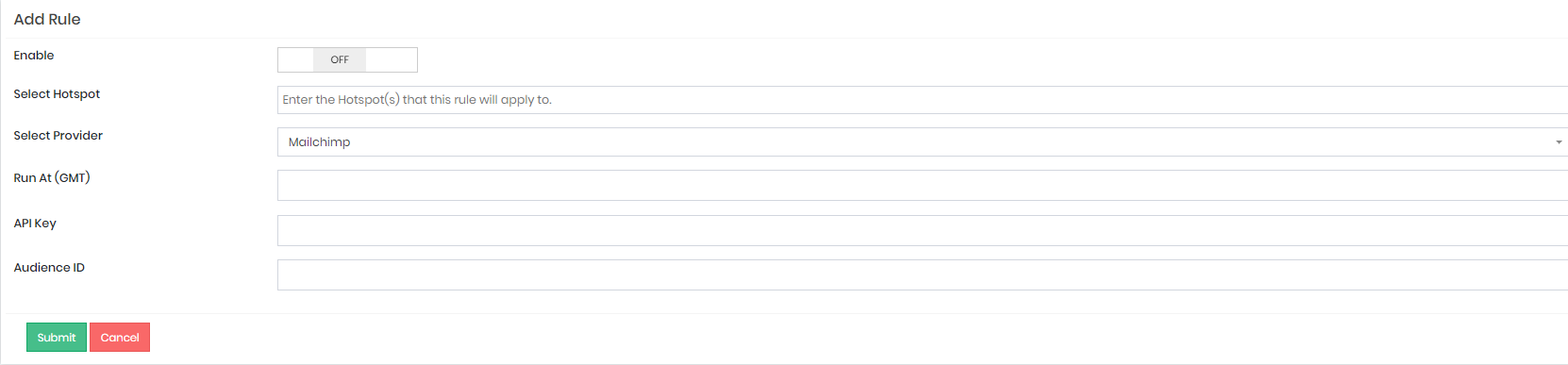
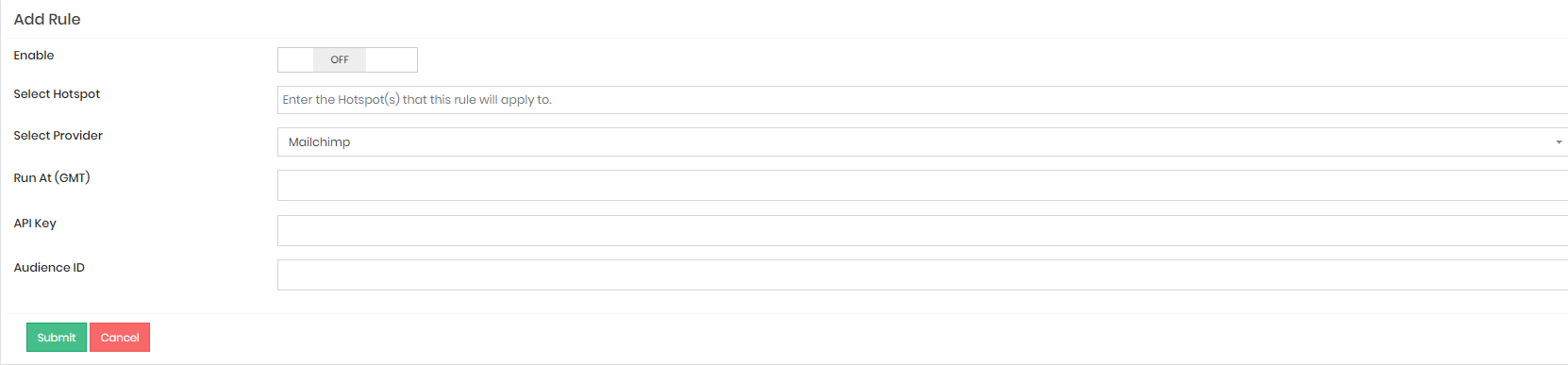
- Paste that ID to the Integration Rule that you're creating then click 'Submit':